WhatsApp chatbots can completely change how you handle customer conversations. They can automate support queries, qualify leads, guide customers through buying decisions, and do much more.
That said, how much of this you can actually achieve depends on the WhatsApp chatbot tool that you use.
The right platform can help you build powerful chatbots while keeping things intuitive and cost-efficient. The wrong one can feel restrictive, with missing features and pricing that starts adding up as you scale.
Also, with so many options on the market, it can be difficult to determine which chatbot tool truly supports all your needs. Which platform offers the right mix of features, ease-of-use, and scalability? And most importantly, which one delivers the best value for your money?
To answer these questions and help you make an informed decision, I’ve put together a list of the 5 best WhatsApp chatbot tools, based on practical criteria that matter most when choosing a WhatsApp automation solution.
Let’s go through these quickly before diving into the list.
What to Consider When Choosing a WhatsApp Chatbot Tool
When evaluating WhatsApp chatbot tools, it’s easy to get caught up in over-the-top claims and endless feature checklists. But those don’t tell you how the platform actually works once you start using it day to day.
The criteria below highlight what truly matters, so you can pick a tool that performs well in practice and not just in marketing demos:
1. Overall User Experience
User experience should be one of the first things to evaluate, as it directly affects how easily you can build and manage your chatbots. Ideally, a tool should offer a drag-and-drop interface that lets you create, edit, and update flows without any technical complexity.
You should also be able to add triggers, conditions, and actions to your chatbot flow without jumping between multiple screens or digging through settings. The more streamlined this experience is, the easier it will be to create, implement, and optimize new chatbot flows over time.
2. Chatbot Features and Limitations
Another important factor to evaluate is the level of conversation complexity the tool supports. Some platforms are designed for basic use cases like FAQs and auto-replies, while others let you build advanced, multi-step chatbot flows with branching logic and automated actions, such as tagging contacts, assigning chats to team members, sending API requests, and more.
It’s also important to review how features are distributed across pricing tiers. Some platforms limit the number of chatbot flows you can build or restrict certain features to higher-tier plans. Your goal should be to choose a tool that supports both your current needs and long-term goals, without constantly forcing you to upgrade.
3. Support for Third-Party Tools
A WhatsApp chatbot tool should also support the third-party apps you already use, like your CRM, e-commerce platform, helpdesk, or marketing stack.
With strong integration support, your bot can do far more than just reply to messages. For example, it can capture leads directly into HubSpot or Salesforce, create support tickets in Zendesk, automatically update customer details across your systems, and pull order updates from platforms like Shopify and WooCommerce and instantly share them with customers over chat.
4. Pricing and Cost Efficiency
Using a WhatsApp chatbot requires access to the WhatsApp Business API. However, the API doesn’t include a dashboard or a chatbot builder, which is why you’ll usually need an official Meta Partner to provide those tools.
In terms of pricing, this means your overall cost includes two components: a subscription fee for the partner’s platform and charges for WhatsApp API usage. Note that some platforms also apply a 12% to 25% markup on your API usage costs. Additionally, in some cases, the chatbot builder itself is offered as a paid add-on (rather than being included in the base plan).
Before committing to a platform, it’s important to review these details carefully so you understand exactly what the pricing covers and can avoid unexpected charges later.
5. Customer Support and Documentation
Customer support and documentation are also important factors to consider, especially when you’re setting up a WhatsApp chatbot for the first time.
A platform with strong onboarding support and clear documentation can significantly reduce the time it takes to get started. It’s also worth checking whether the platform offers detailed guides, video tutorials, and step-by-step resources, so you have everything you need to build complex flows or troubleshoot common issues.
Top 5 WhatsApp Chatbot Tools
Now that you know what really matters when choosing a WhatsApp chatbot tool, here’s an overview of the best WhatsApp Chatbot Tools, along with their pricing, user ratings, and what each tool is suited for.
| Platform | Pricing | User Ratings (TrustPilot, G2, Capterra) | Best For |
| WANotifier | Starting at ₹2,499 or $69/month for 1,000 contacts; 0% markup on WhatsApp API charges; 7-day free trial | Rated Excellent with 4.8 out of 5 stars | Businesses looking for a comprehensive WhatsApp marketing and automation platform with transparent pricing and 0% markup on WhatsApp API charges |
| ManyChat | Starting at $15/month for 500 contacts + 15% markup on WhatsApp API charges; free plan | Rated 4.5 out of 5 stars | Creators, agencies, and e-commerce businesses focused on multi-channel automation |
| Verloop | Custom pricing; no free trial or freemium version | Rated 4.7 out of 5 stars | Mid-market and enterprise teams managing a high-volume of conversations across multiple channels |
| Tidio | Starting at $29/month (for 100 billable conversations)+ separate charges for Lyro AI Agent and contextual Flows | Rated 4.6 out of 5 stars | SMBs and e-commerce businesses that want to automate customer support across multiple channels |
| WATI | Starting at ₹2,499 or $69/month (monthly billing)+ 8% Markup on WhatsApp API charges; 14-day free trial | Rated 3.7 out of 5 stars | Mid to large-sized businesses that want a scalable WhatsApp automation solution and can absorb the markup on WhatsApp API charges |
1) WANotifier
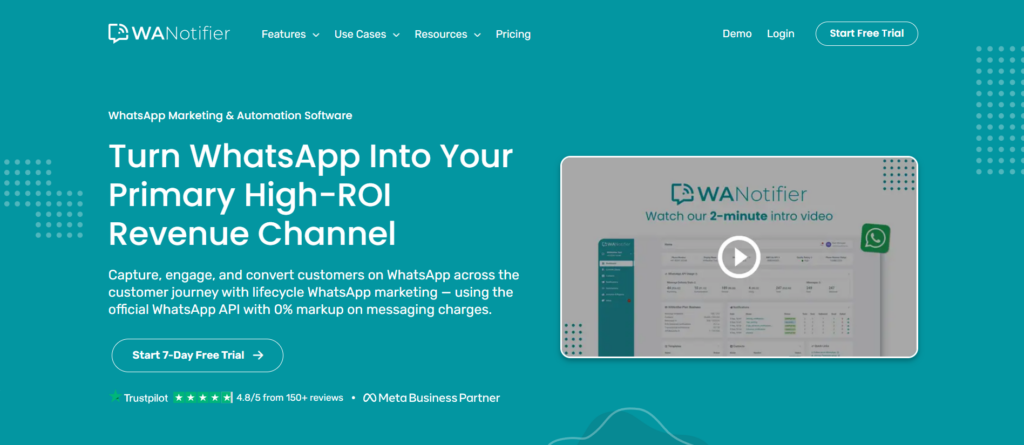
WANotifier is an official Meta Tech Partner and an all-in-one WhatsApp marketing and automation platform designed to help businesses capture, engage, and convert customers on the messaging app.
It offers a complete set of tools to manage customer communication at scale, including WhatsApp campaigns, basic and keyword-triggered auto-replies, drip sequences, WhatsApp Flows, advanced analytics, and, of course, no-code chatbots that help you collect inputs, segment users, and guide customers step-by-step through their journey (without manually replying to messages).
Speaking of the chatbot builder, WANotifier offers a user-friendly tool with a drag-and-drop interface and powerful nodes (or building blocks) that let you create multi-step, branching flows with the ability to send personalized messages, apply tags and custom attributes to contacts, assign chats to team members, send API requests, and more.
One of WANotifier’s biggest advantages is its transparent pricing model. Unlike many Meta Partners that add a markup to WhatsApp’s official API messaging rates, WANotifier charges 0% markup, so you only pay for what you use. It also offers a free 7-day trial on its plans, email and live chat support for all users, and step-by-step onboarding support for the WhatsApp Business API.
Users also get access to in-depth documentation and setup guides for all automation features, including chatbots, as well as personalized assistance (depending on their subscription plan).
In addition to building WhatsApp chatbots, here’s everything you can do with WANotifier:
- Schedule and send WhatsApp campaigns to thousands of contacts in just a few clicks
- Trigger transactional messages based on user actions, like form submissions, purchases, or callback requests, from your website and apps
- Capture leads from Facebook and Instagram ads and add them to your contact lists (learn more about this here)
- Run automated drip sequences to nurture leads, drive repeat purchases, and re-engage inactive customers
- Use WhatsApp Flows to collect customer details directly inside the chat
- Integrate your CRM, e-commerce platform, and other third-party tools with WhatsApp
- Track message delivery and open rates, chatbot and drip sequence sessions, Flow responses, and ad-driven conversions
- Collaborate on customer chats with a shared team inbox (invite team members, assign chats, and track entire conversation history)
Reasons to consider WANotifier
- 0% markup on WhatsApp API usage costs
- API billing is handled directly by Meta (so you don’t have to pre-purchase messaging credits)
- Designed specifically for WhatsApp marketing and automation
- No-code, drag-and-drop chatbot builder with advanced flow logic
- WordPress plugin and REST API for connecting your website, forms, and third-party apps to WhatsApp
- Live chat and email support for all users
- Step-by-step onboarding assistance on all plans
Things to Watch Out for
- The Starter plan is mainly focused on WhatsApp campaigns and lacks advanced automation tools
- Features like Smart Segments, chatbots, and drip campaigns are only available on higher-tier plans
Pricing
WANotifier offers three subscription plans with monthly and annual billing options:
- Essentials: Starting at $69 or ₹2,499/month (for up to 1,000 contacts)
- Advanced: Starting at $119 or ₹4,999/month (for up to 1,000 contacts)
- Premium: Starting at $199 or ₹7,999/month (for up to 1,000 contacts)
Need a custom quote? Contact us to learn more about our enterprise offerings.
No-code. Minimal setup. Launch your next WhatsApp marketing campaign in minutes!
2) ManyChat
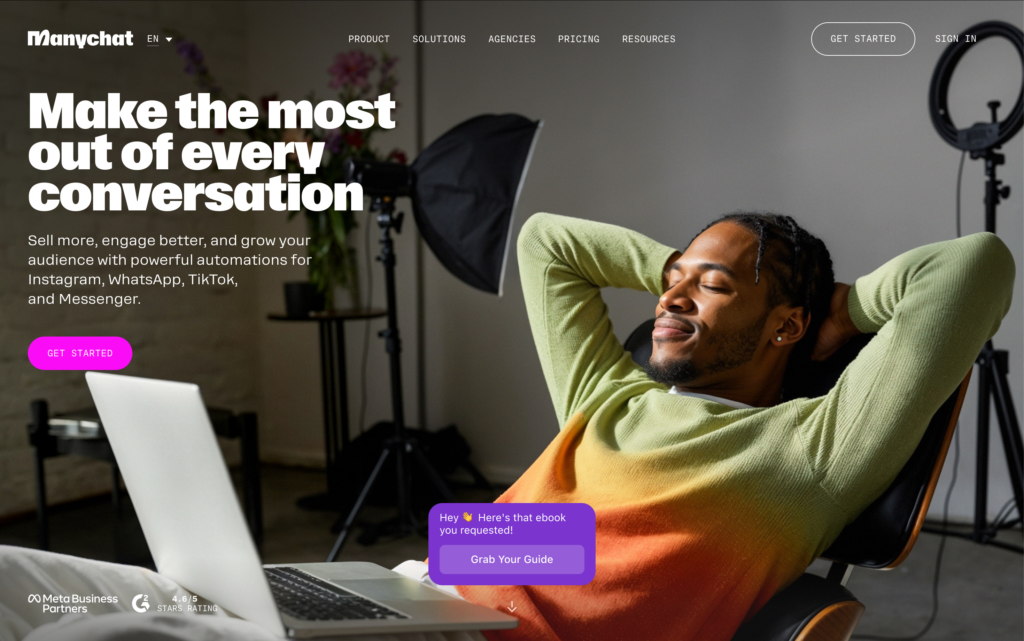
ManyChat is a well-known chat automation platform that helps businesses engage audiences across WhatsApp, Instagram, TikTok, and Facebook Messenger. It offers a range of features that allow you to automate greetings, handle FAQs, respond to customer queries around the clock, and run drip-style campaigns to nurture leads over time.
For building chatbots, ManyChat provides a visual Flow Builder that makes it fairly easy to design branching conversations. It also includes an AI-powered Flow Builder Assistant that can generate flows based on your business goals. This is especially helpful if you’re starting from scratch.
That said, if WhatsApp is your primary channel, there are a few things to keep in mind. ManyChat applies a 15% markup on WhatsApp’s API usage costs, which can make it pretty expensive to scale. It also doesn’t offer a dedicated WhatsApp-only plan, meaning businesses may end up paying for multi-channel features even if they intend to focus only on WhatsApp.
Reasons to consider ManyChat
- Easy-to-use interface
- Support for multiple channels, including WhatsApp, Instagram, TikTok, and more
- AI-powered Flow Builder Assistant that can generate flows based on your business goals
Things to Watch Out for
- Applies a 15% markup on WhatsApp’s API usage costs
- Doesn’t offer a dedicated WhatsApp plan (so you will end up paying for channels you may never use)
- User reviews indicate slow customer support response times
Pricing
ManyChat currently offers three subscription plans (note that the prices below do not include WhatsApp API usage costs):
- Free: $0/month (does not include WhatsApp)
- Pro: Starts at $15/month (includes up to 500 contacts)
- Elite: Custom pricing (available on request)
3) Verloop
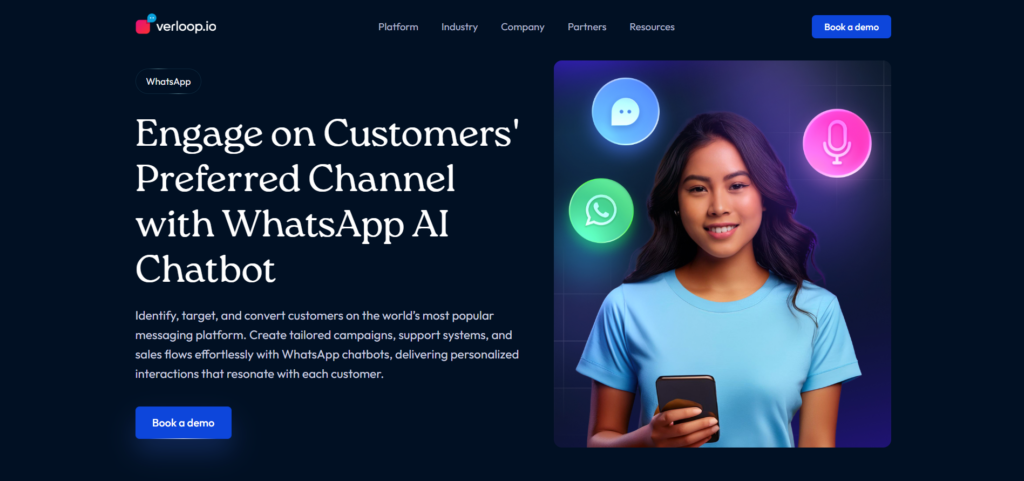
Verloop.io is an advanced Conversational AI platform that helps businesses manage customer communication across multiple channels, including WhatsApp. It’s built for brands that want more than just basic chatbot automation and need a more scalable solution.
With Verloop, you can create AI-powered chatbots that handle FAQs, collect customer feedback, route chats based on intent, and seamlessly transfer complex queries to live agents when needed. Everything can be set up using a drag-and-drop flow builder, so you can design chatbot journeys without needing prior technical experience.
That said, Verloop is an omnichannel platform (like ManyChat), which means it can feel a bit overwhelming and pricey, especially if you’re only going to use it for WhatsApp automation. It also doesn’t offer a free trial or a freemium plan, so you’ll likely need to commit before you get a complete picture of what the platform can do for you.
Reasons to Consider Verloop
- Works across multiple channels, including WhatsApp
- Offers AI-powered chatbots for automating FAQs and routine customer interactions.
- Well-suited for companies managing high volumes of conversations across multiple channels
Things to Watch Out for
- More of an omnichannel solution; it can be too complicated and expensive for WhatsApp-focused users
- No free trial or freemium plan
Pricing
Verloop offers custom pricing, tailored to your business goals and requirements.
Switch to WANotifier and only pay for what you use. No API markups or hidden costs!
4) Tidio
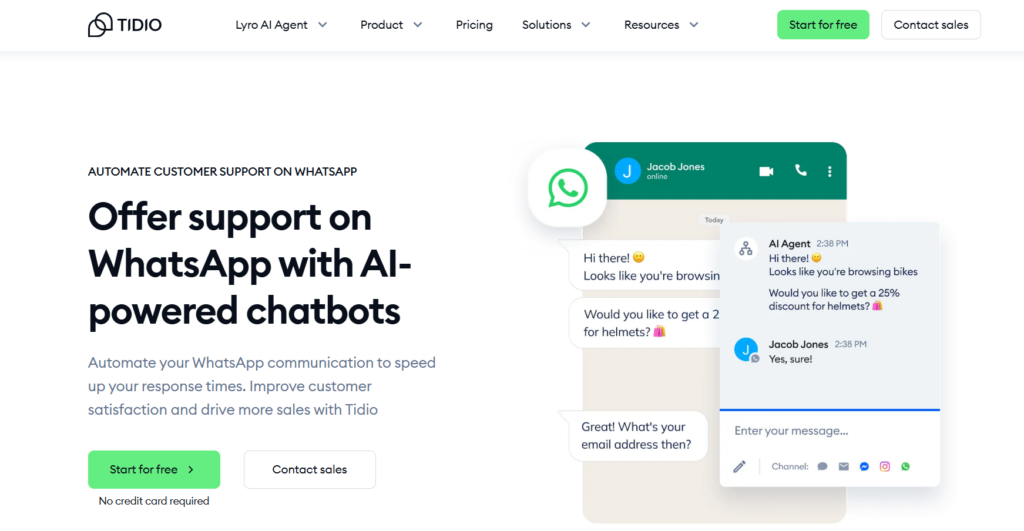
Tidio is an AI-powered customer support platform that helps businesses automate service conversations and drive more sales across WhatsApp, Instagram, and other channels.
What makes Tidio stand out is its drag-and-drop flow editor, which lets you design interactive customer journeys without coding. You can build chatbots to automatically answer common questions, collect contact details for lead generation, and offer more personalized support by identifying existing customers and pulling up their details instantly.
Tidio also allows multiple agents to manage conversations simultaneously, making it easier for teams to collaborate and handle higher support volumes more efficiently.
If you’re looking to get up and running quickly, connect all your channels into one dashboard, and automate support from a single interface, Tidio can be a strong option.
Reasons to Consider Tidio
- Supports omnichannel automation across WhatsApp, Instagram, email, and live chat
- Beginner-friendly interface with a drag-and-drop flow editor
- Lyro AI Agent to resolve more customer queries (this can be trained on your internal data)
- Responsive and helpful customer support
Things to Watch Out for
- Not a WhatsApp-only automation platform
- Lyro AI Agent and contextual Flows are billed as separate add-ons
- Best suited for businesses looking for multi-channel messaging, not just WhatsApp automation
Pricing
Tidio offers a free plan, along with four paid subscription tiers:
- Starter: $29/ month (for 100 billable conversations)
- Growth: $59/ month (for 250 billable conversations)
- Plus: $179/month (custom billable conversations)
- Premium: Custom pricing (custom billable conversations)
5) WATI
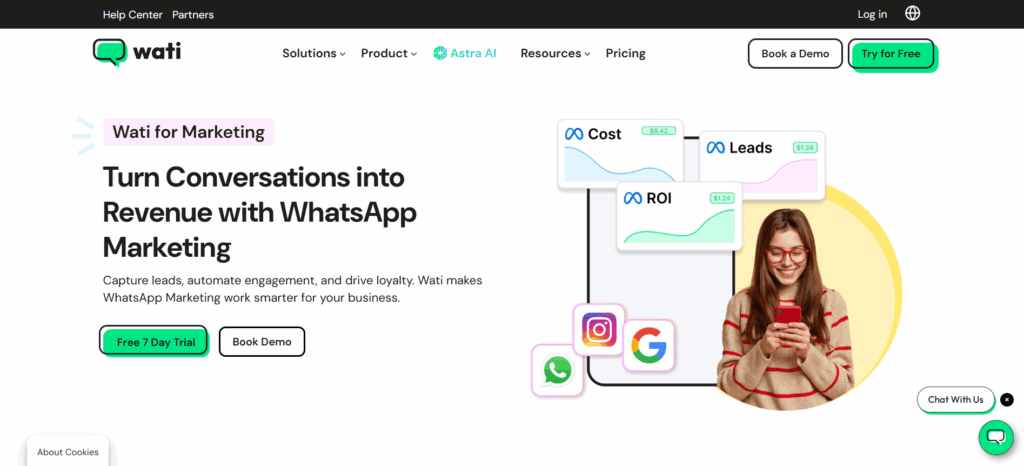
Trusted by more than 14,000 businesses worldwide, WATI helps businesses automate and scale customer conversations on WhatsApp. It offers a broad set of automation features, including no-code chatbots that support up to 200 steps, can connect with other chatbot flows, and integrate seamlessly with third-party tools to trigger actions across your systems.
WATI also includes a library of ready-to-use chatbot templates, making it easier to launch flows for common use cases like appointment booking and feedback collection. On top of this, it offers personalized guidance for businesses looking to build more complex workflows.
That said, WATI may not be the best fit for every business, especially those working with leaner budgets. That’s because it applies an 8% markup on WhatsApp API usage costs, and doesn’t include features like chatbot workflow automation in its base plan. Wati also offers onboarding support only as a paid add-on in its lower-tier plans.
Reasons to Consider Wati
- Simple, user-friendly interface that’s easy to navigate
- Supports building chatbots with up to 200 steps
- Includes a library of pre-designed chatbot templates for common use cases
- Offers an AI support agent to automate FAQs and route complex queries to human agents
Things to Watch Out for
- Adds an 8% markup on WhatsApp’s API usage costs
- Chatbot workflow automation is not included in the base plan
- No live chat support in the Starter plan
- No onboarding support for Growth or Pro plan users, unless purchased as a paid add-on
Pricing
WATI offers three subscription plans (note that the prices below do not include WhatsApp API usage charges):
- Growth: $69 or ₹2,699/month
- Pro: $149 or ₹6,499/month
- Business: $349 or ₹18,499/month
Final Verdict: Which WhatsApp Chatbot Tool Is Right for You?
And that concludes our list of the best WhatsApp chatbot tools!
If there’s one key takeaway from this comparison, it’s this: the best WhatsApp chatbot pt
If there’s one key takeaway from this comparison, it’s this: the best WhatsApp chatbot tools don’t just help you automate conversations, but also enable you to scale them over time.
However, not every platform makes scaling easy. Some add extra markups on top of WhatsApp’s official API charges, while others bundle WhatsApp into broader omnichannel plans, pushing you to pay for features you’ll never use.
This is where WANotifier stands out.
WANotifier is the only platform on this list built specifically for WhatsApp automation. It offers a powerful chatbot builder for creating complex, multi-step flows, along with transparent pricing and 0% markup on WhatsApp API usage costs, so you only pay for what you use.
Apart from chatbots, WANotifier offers a comprehensive suite of marketing and automation tools that enable you to handle the entire customer journey on WhatsApp.
And if that’s not enough, WANotifier also offers best-in-class customer support, with step-by-step onboarding guidance, and a 7-day free trial on all its paid plans, so you can explore its features without any upfront cost or commitment.
👉 Sign up today and see how WhatsApp chatbots can help you capture, engage, and convert more customers on autopilot.
Elevate your WhatsApp marketing with WANotifier. Easy to set up. Built to scale. No hidden costs.